

XeroCare
An app for maintenance of xerophytic plants
Why this project?
Most modern houses have potted plants inside the house or in the balconies. Now, succulents and seasonal plants have a saturated roster of management charts and tutorials, some even have apps and guides; but for xerophytic plants, there are none.
Users often tend to turn a blind eye to these plants, and improper care leads to either stunted plants or potted plants dying too soon and being replaced. Like succulents, xerophytic plants have a certain charm and appeal and can fit in any modern home, provided proper care and maintenance is done to them.
For this reason, I designed an app prototype that can, with the help of AI and network connection, scan the plant, identify and provide a care and maintenance chart that users can benefit from and finally be able to take proper care of xerophytes as well.

User Research, Information Architecture and User Persona
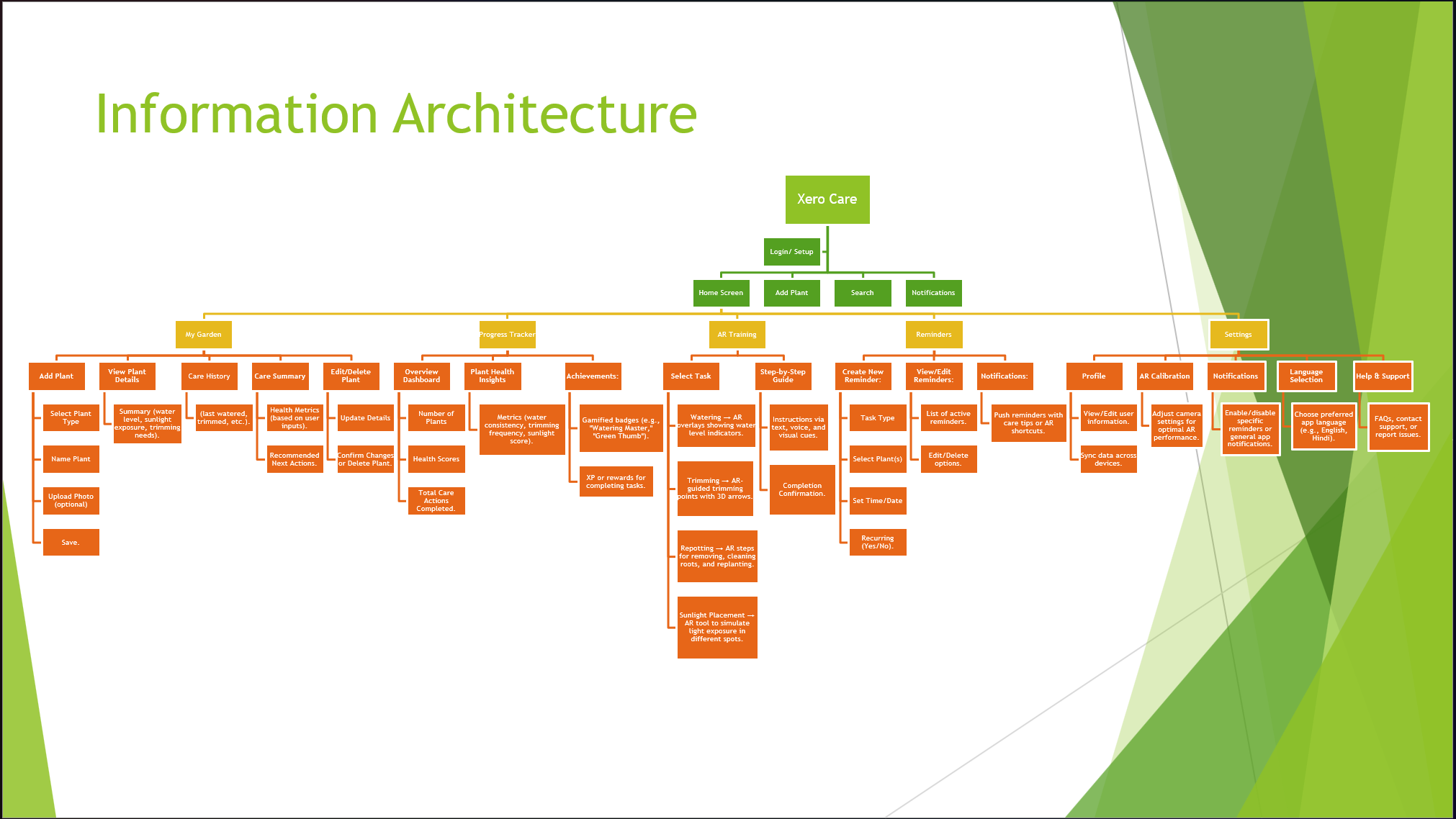
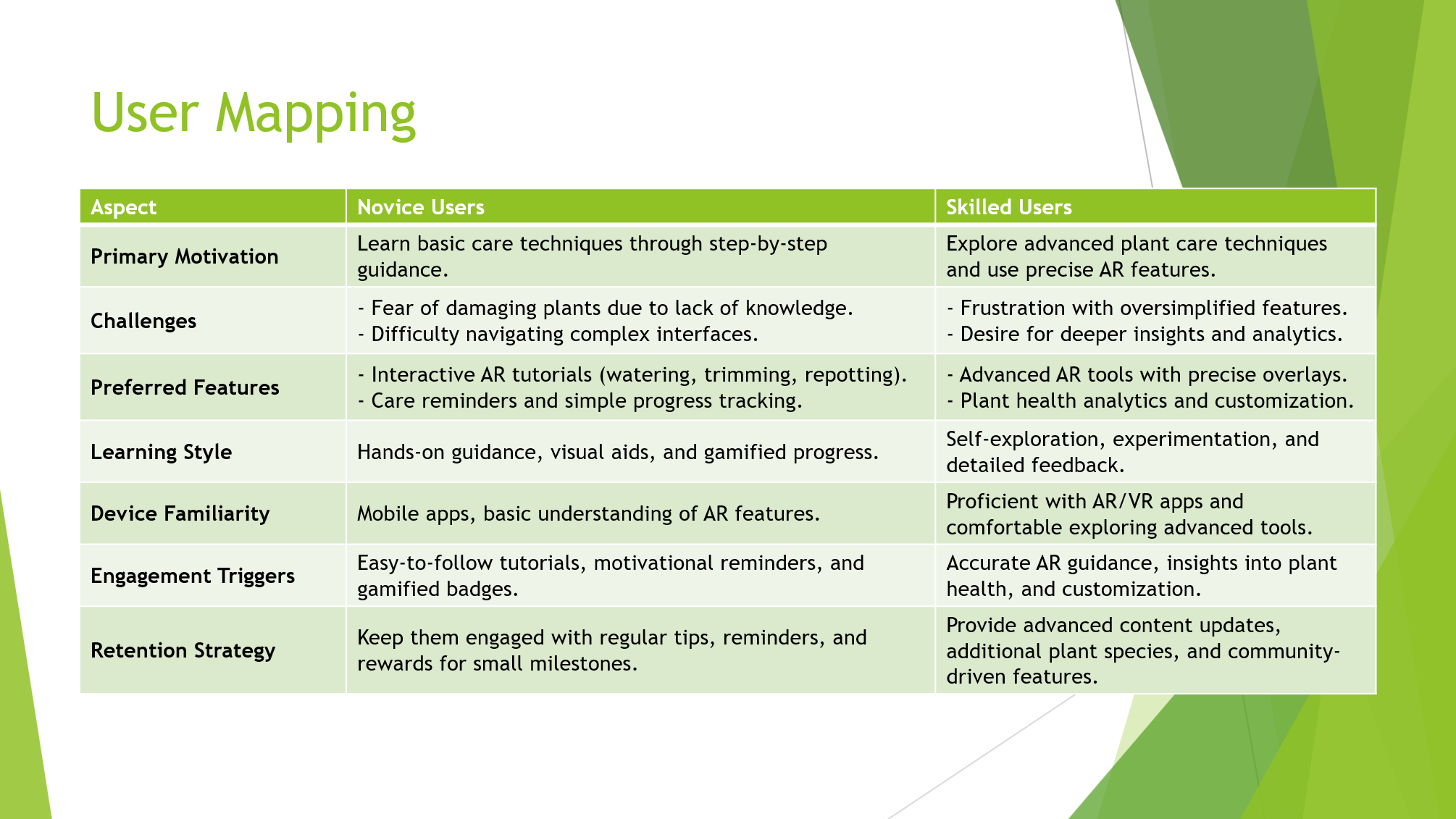
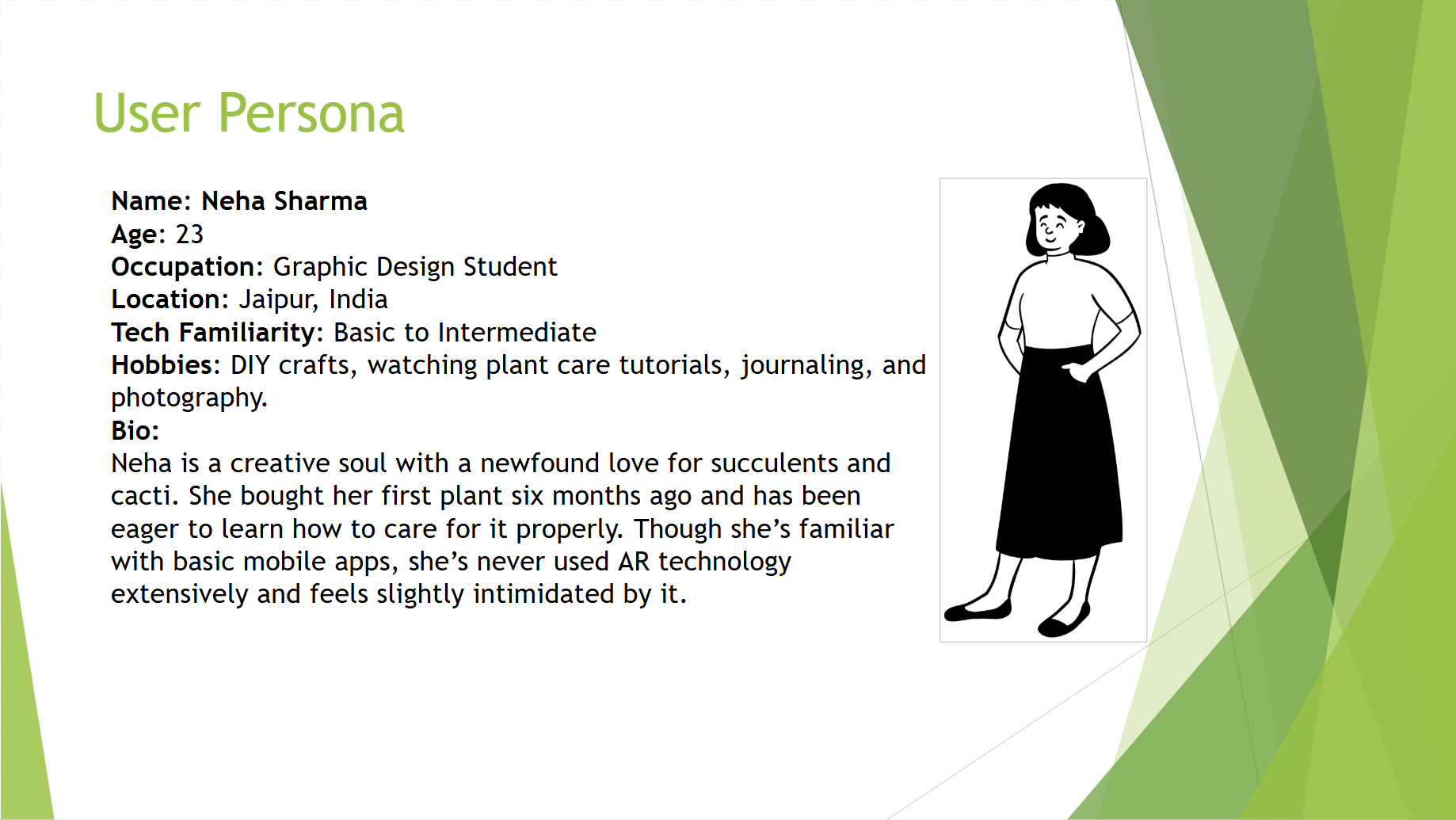
Initial App Drafts
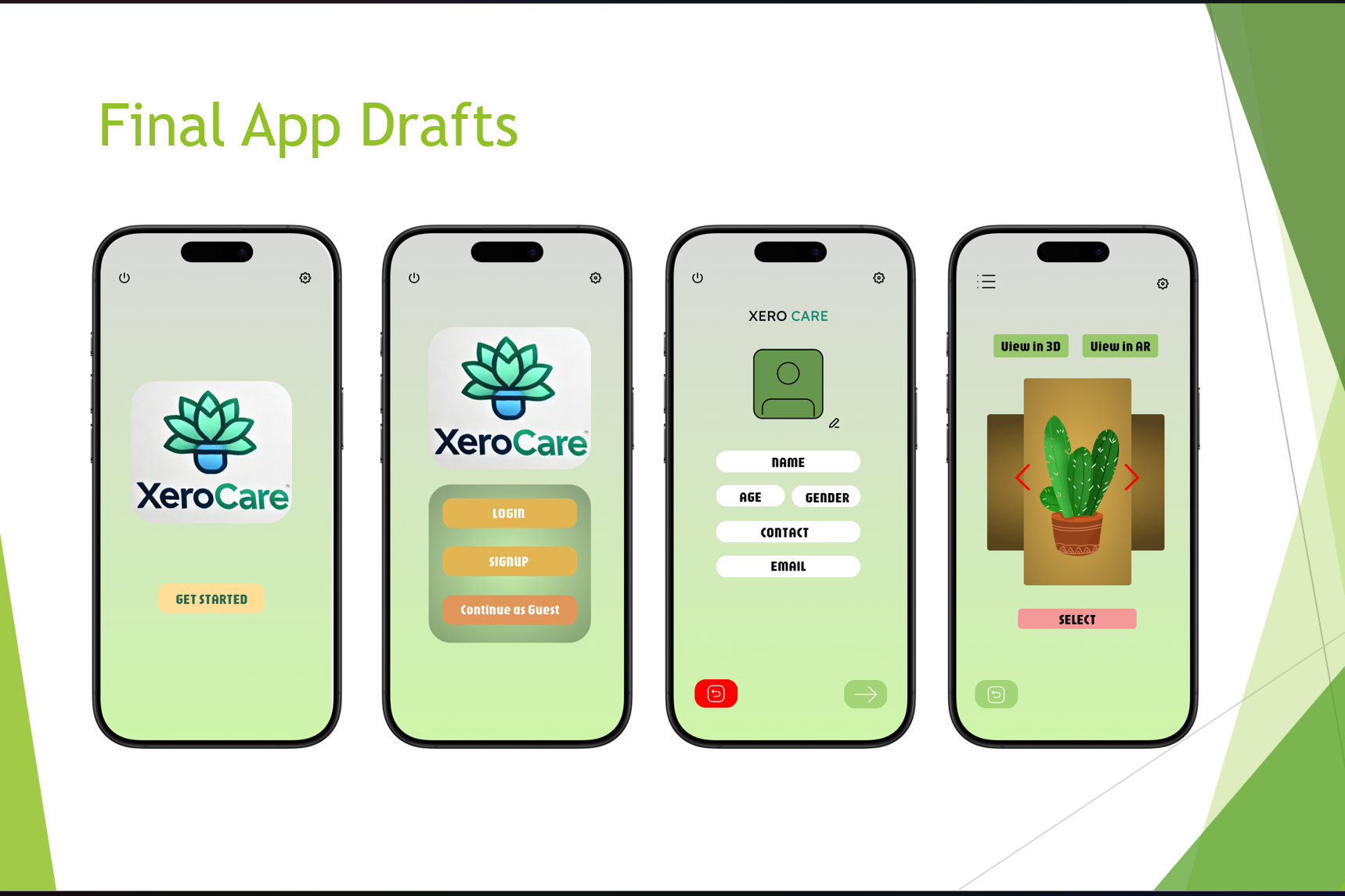
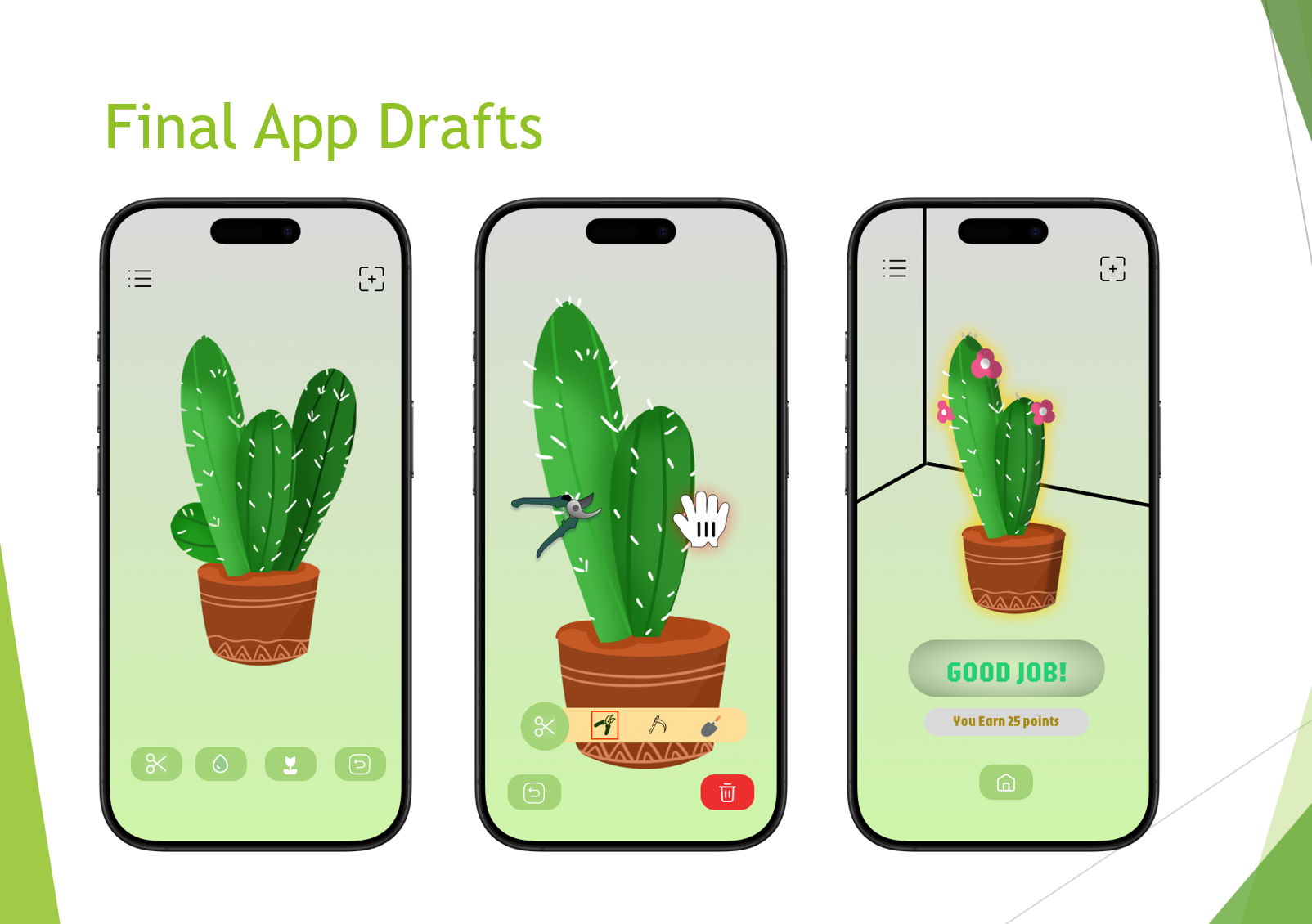
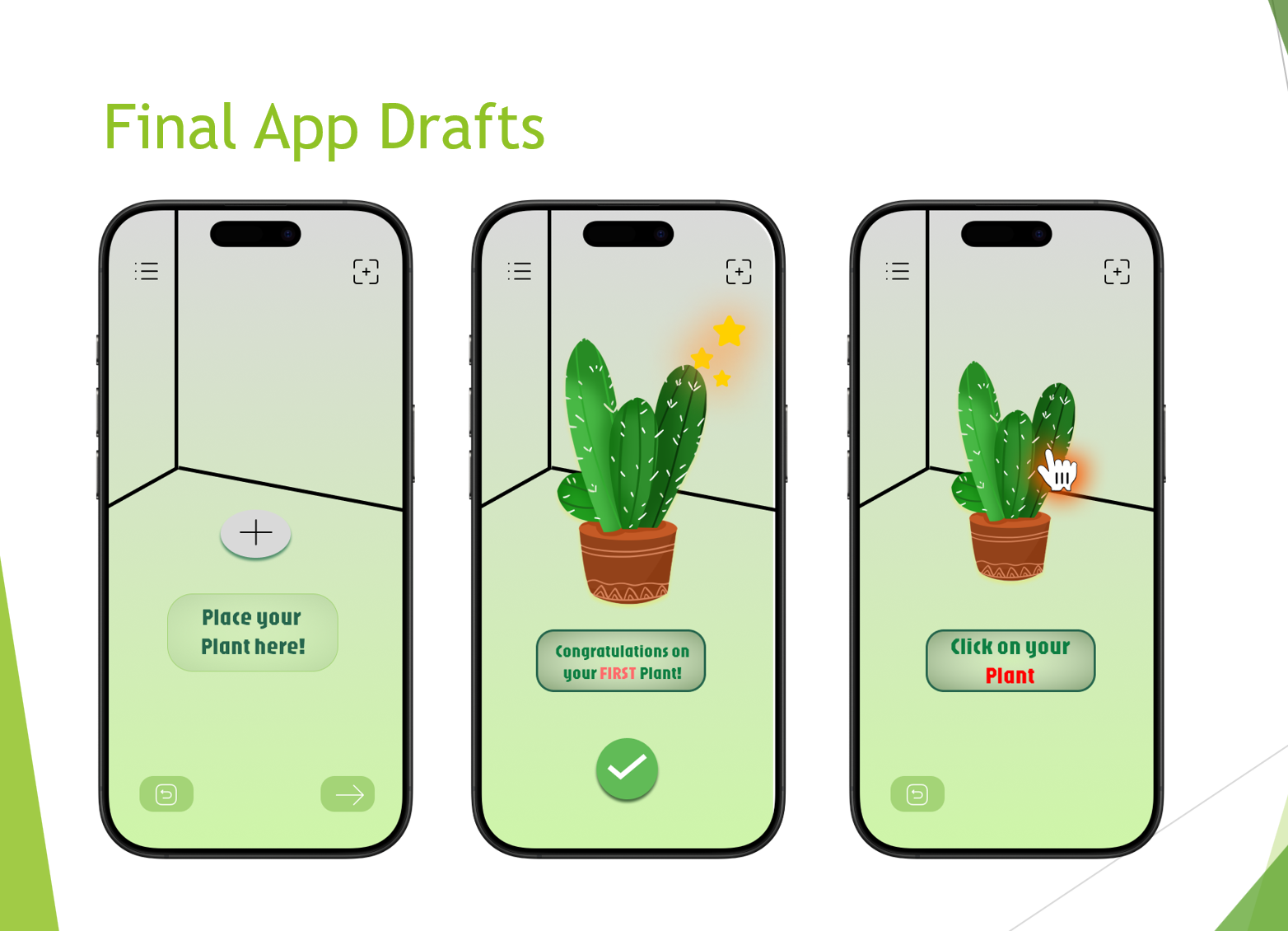
All drafts and prototypes were created using assets made in procreate and figma. The early drafts concentrated on the user flow and was made to analyse user behaviour through the different stages of usage (new user, moderate use and daily user).
Through these behavioural studies and user’s psychology and feedback, the app was further refined and the pain points were acted upon, creating the final prototype as shown below.
Final App Prototype
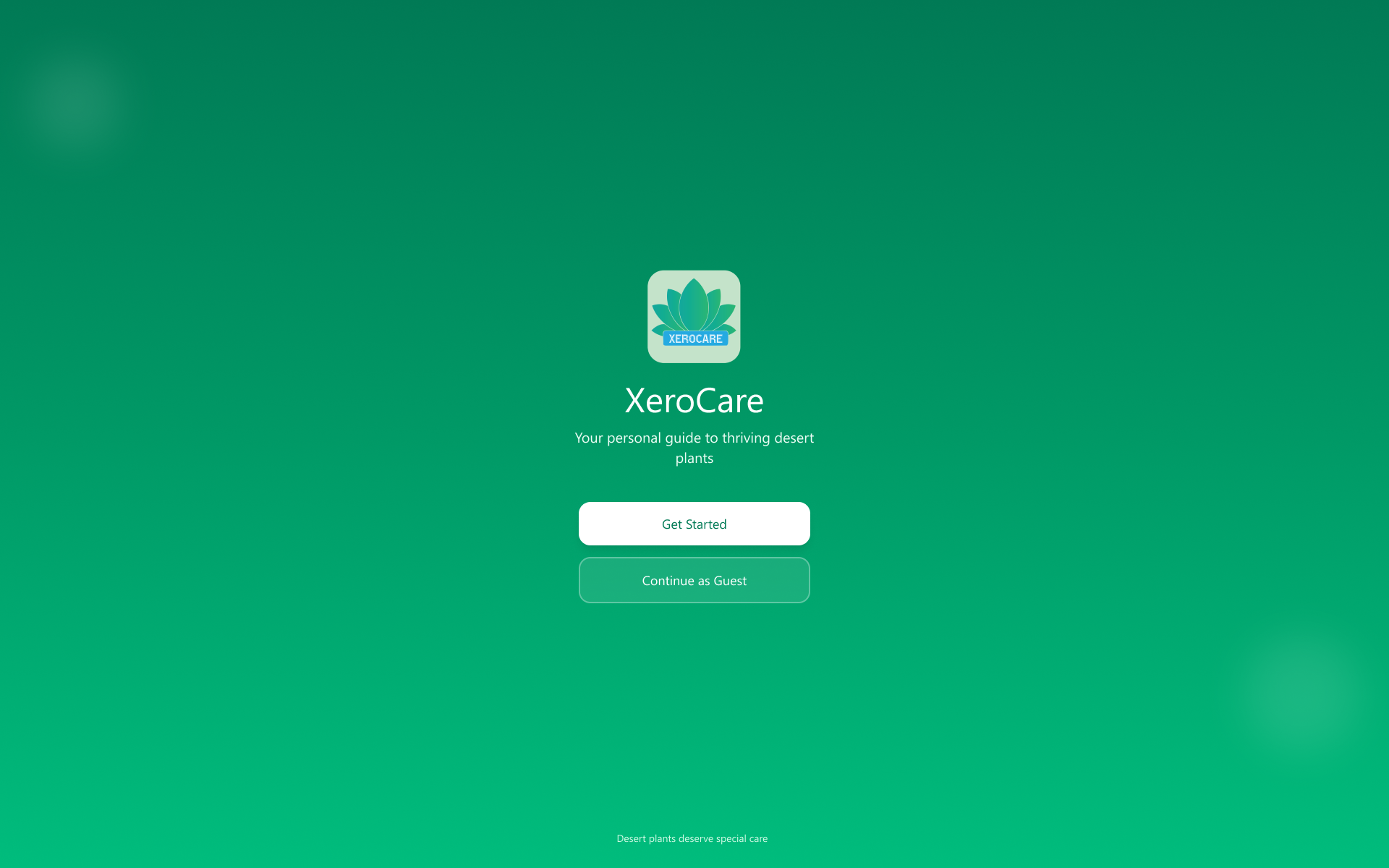
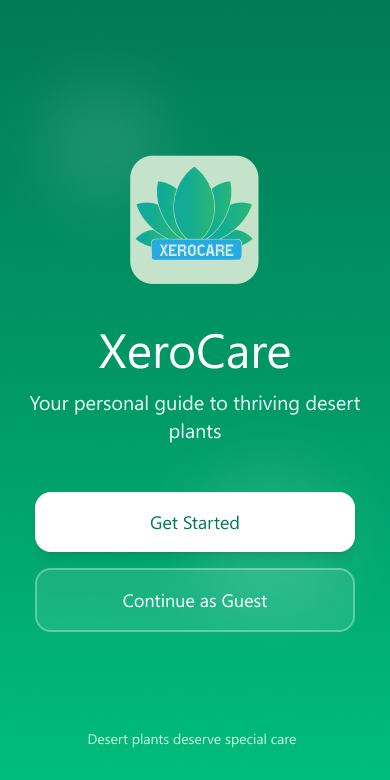
The Landing page
The first thing that a user lands on and the page/screen that gives the first impression. I chose the green colouring to indicate plants and vegetation. Since the page felt empty, I tried adding a randomised quote each time the person logs in or each time when the app is open.
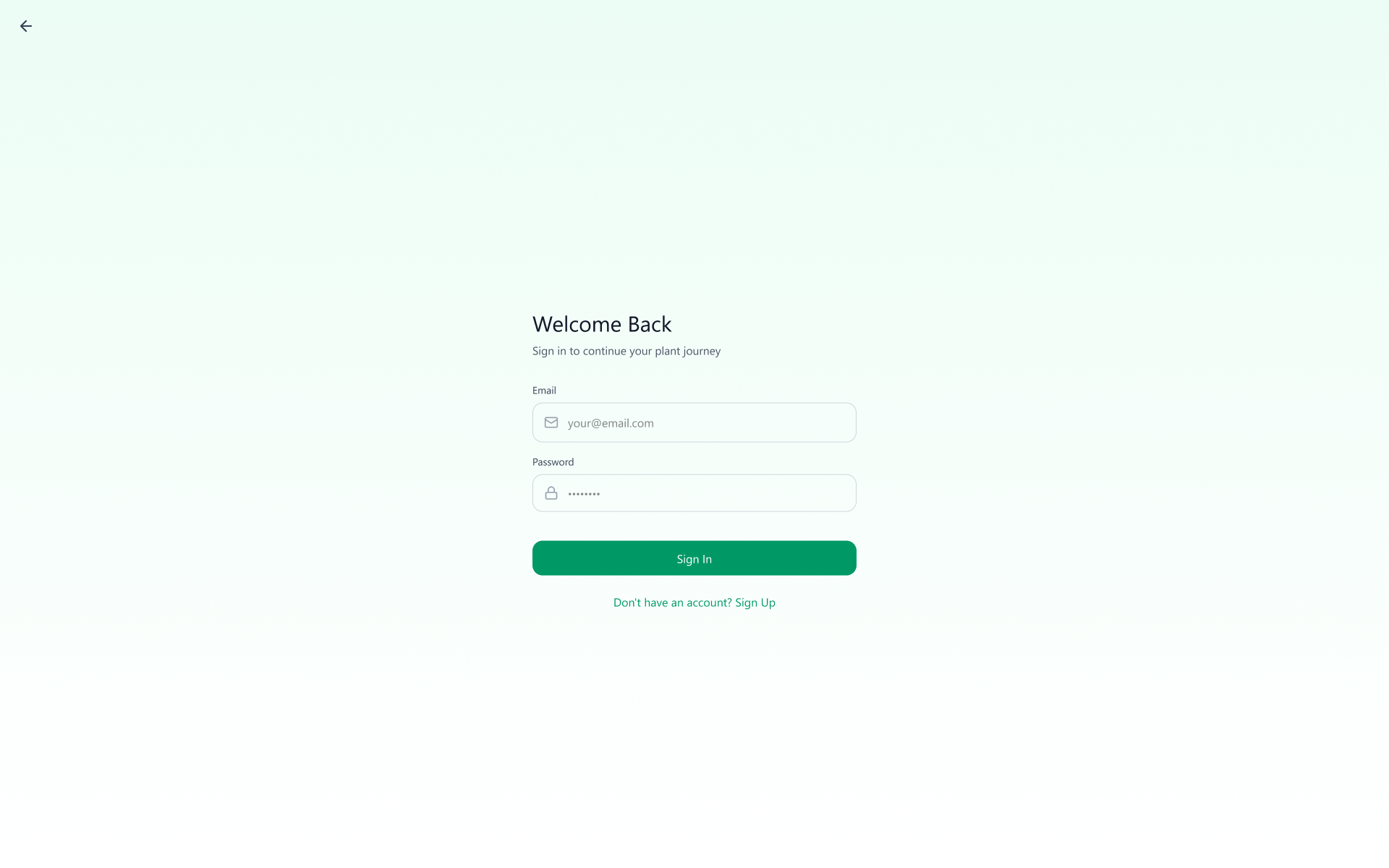
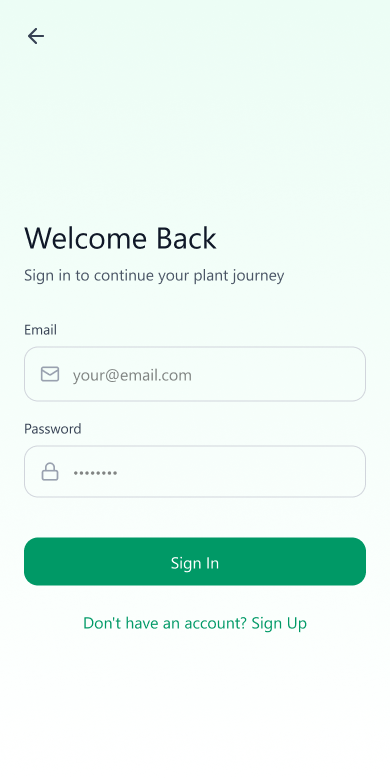
Login/ Sign-up page
The login page needs to have simple directions and clear instructions if people need to navigate to the next page. Offering minimal friction while allowing users to enter is a top priority for smoother experiences.
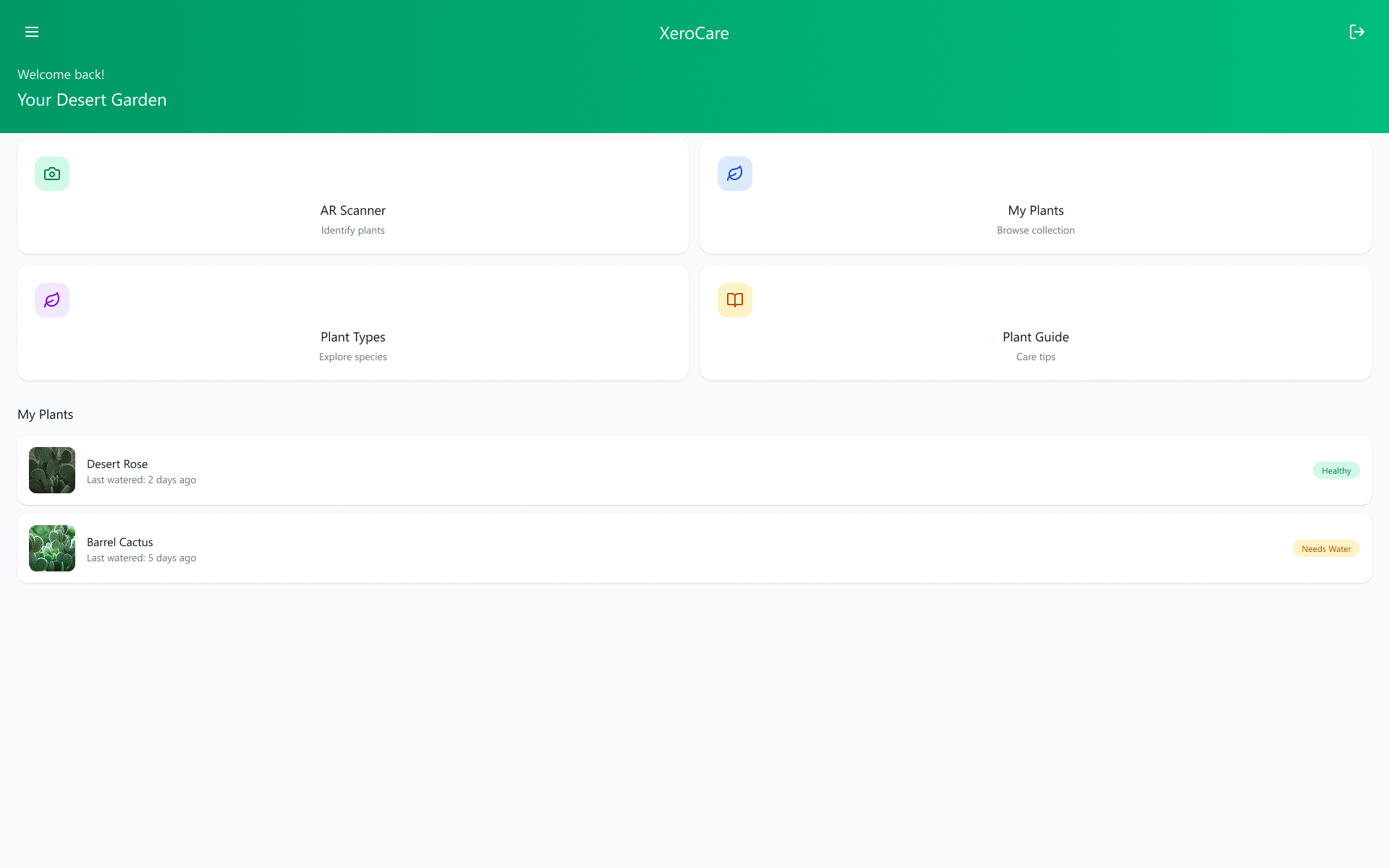
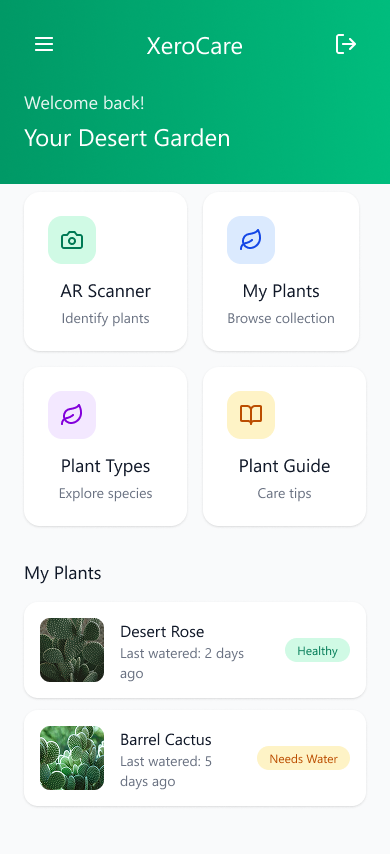
Your Home Screen
The home screen offers a variety of features, along with the plants you have favourited. The reason for this is through user testing, I found that along with a long list of plants, there were some users who wanted to monitor a few plants more closely than the rest. Therefore a highlighted section is enabled for those plants.
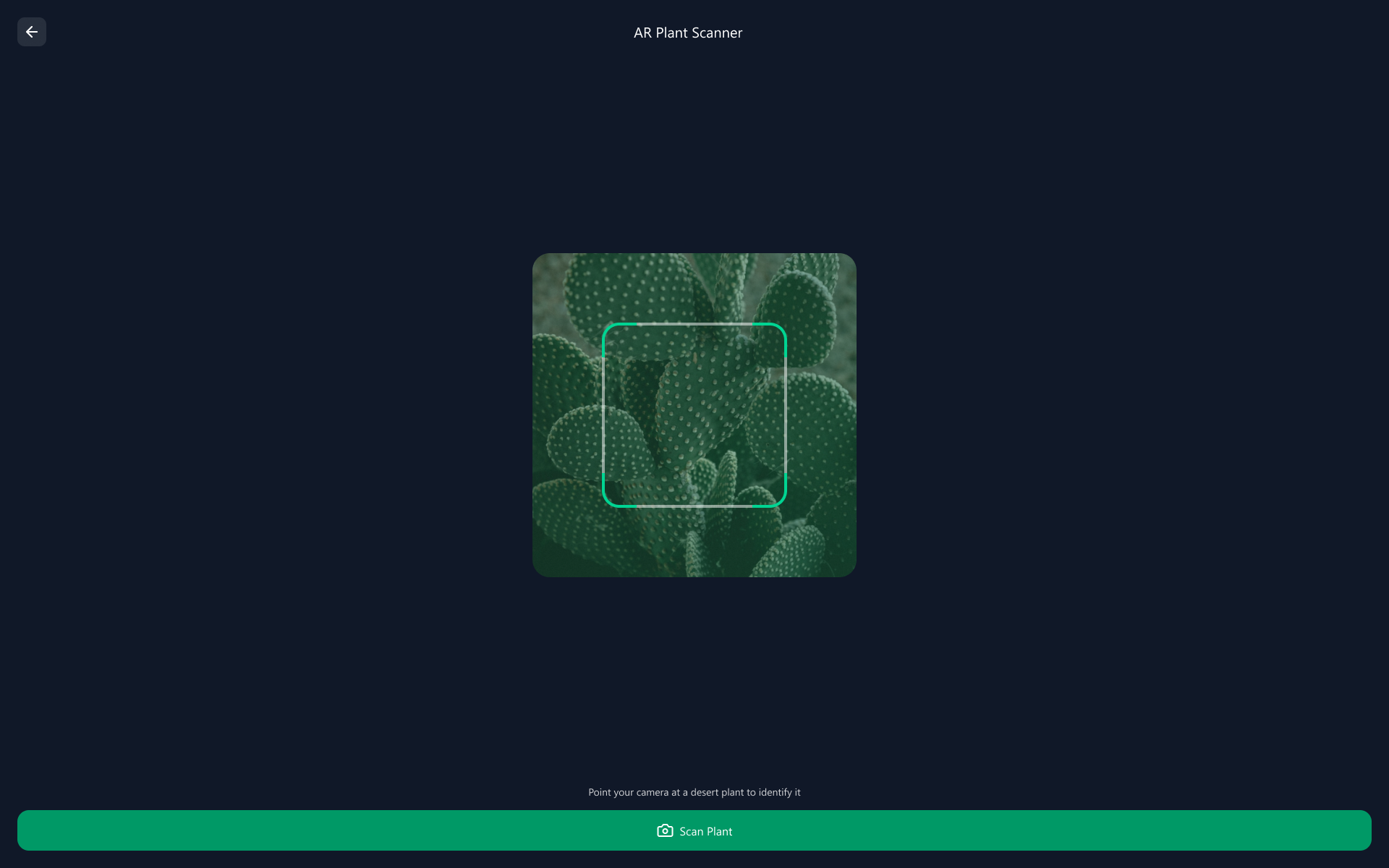
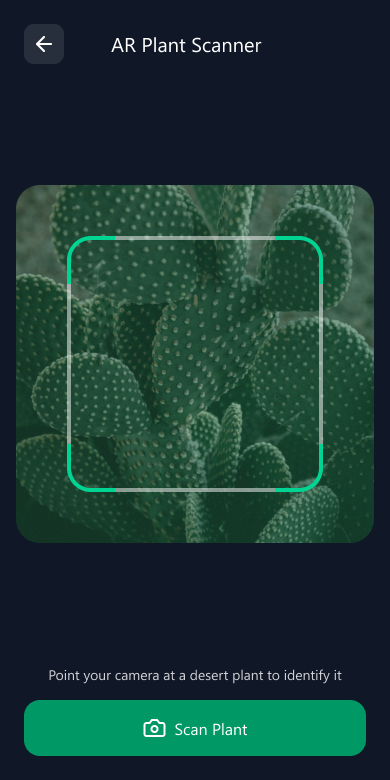
AR Scanner to identify plants
The AR scanner feature helps store data on the app abput the plant’s current condition or whenever a new plant is to be added or identified.
Plant Catalogue
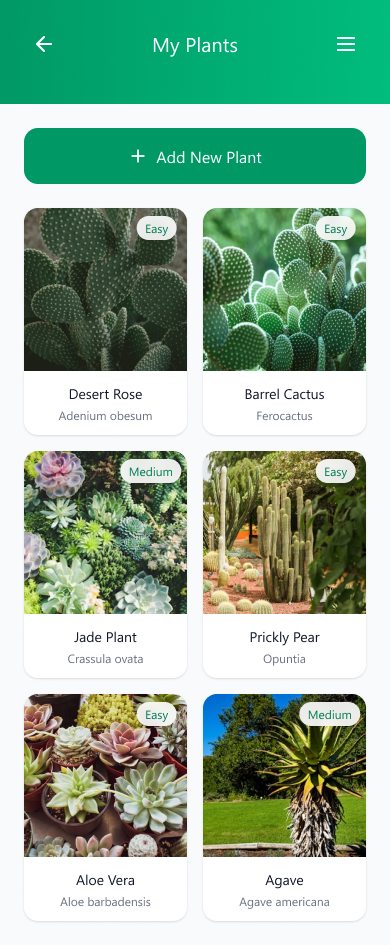
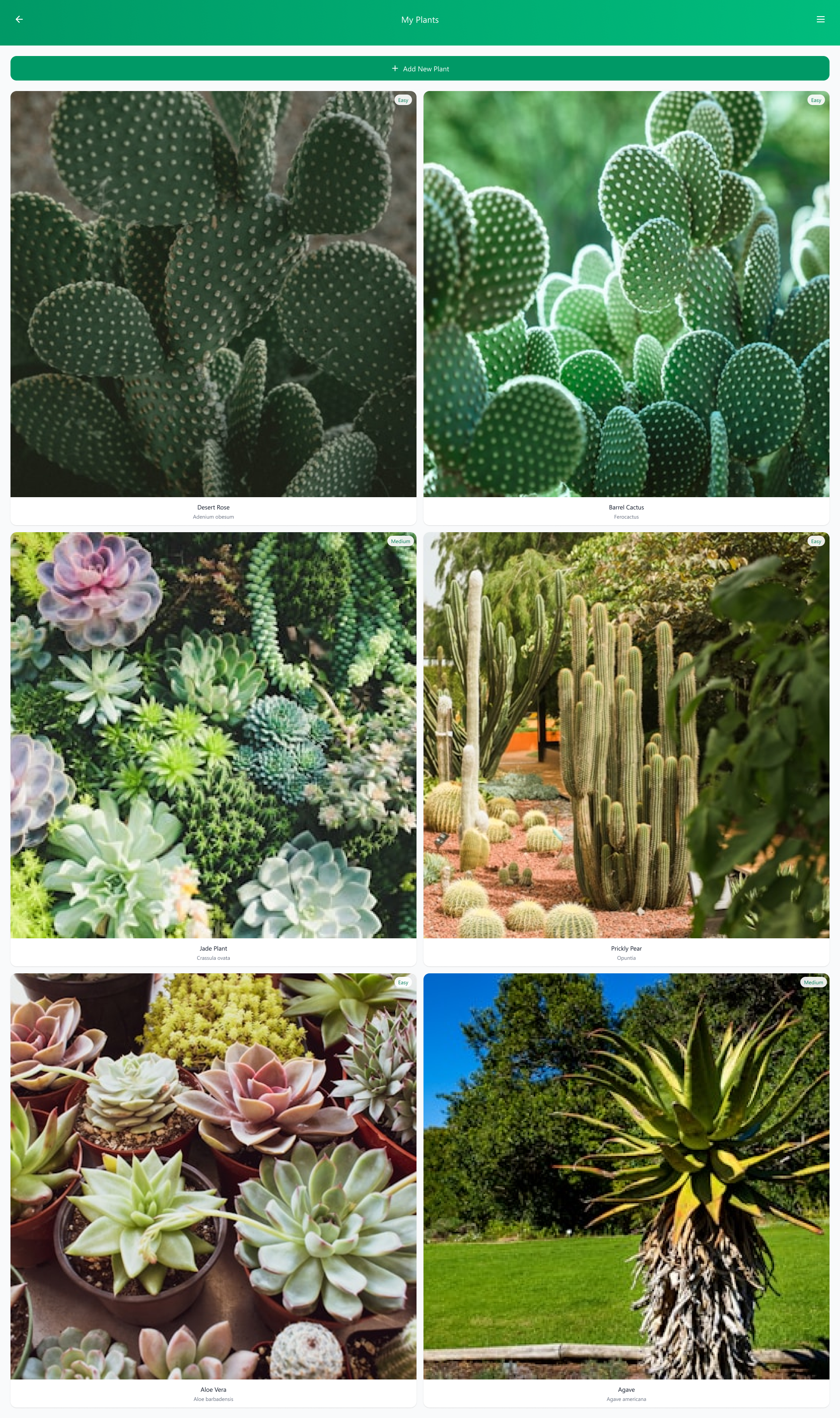
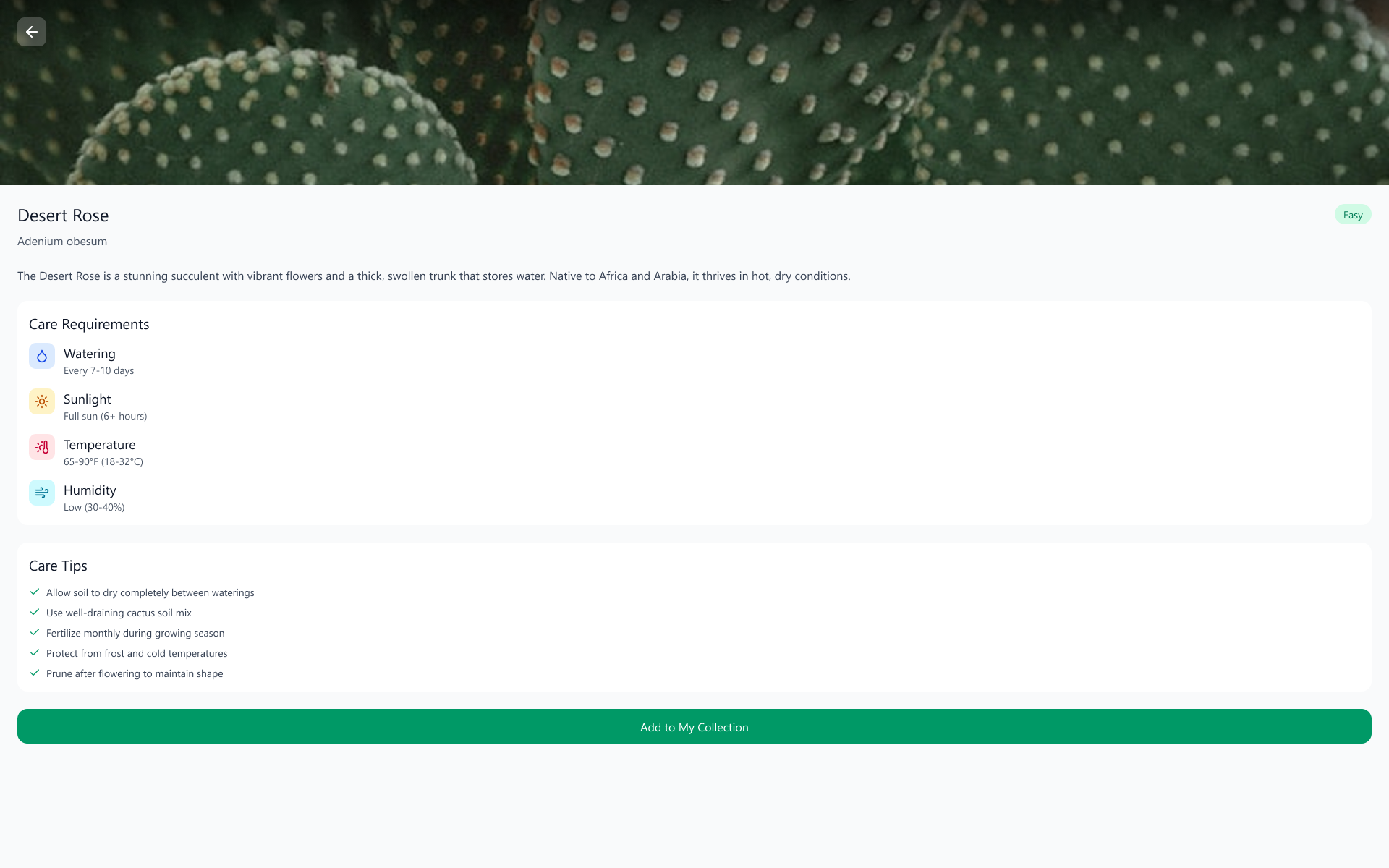
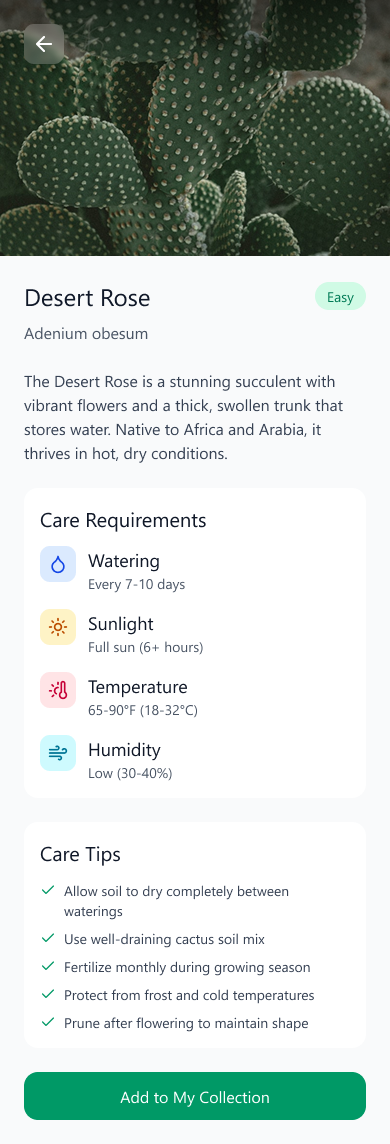
The plant catalogue holds a list of your current plants, of which you can choose and check out the stats of the plant - water requirements, growth indicators, watering schedule, pot migration, handling techniques, etc.
The catalogue also provides AI assisted analysis of the difficulty of managing the specific plants. Different plants are labelled as easy, medium, hard, extreme based on the difficulty of maintenance.
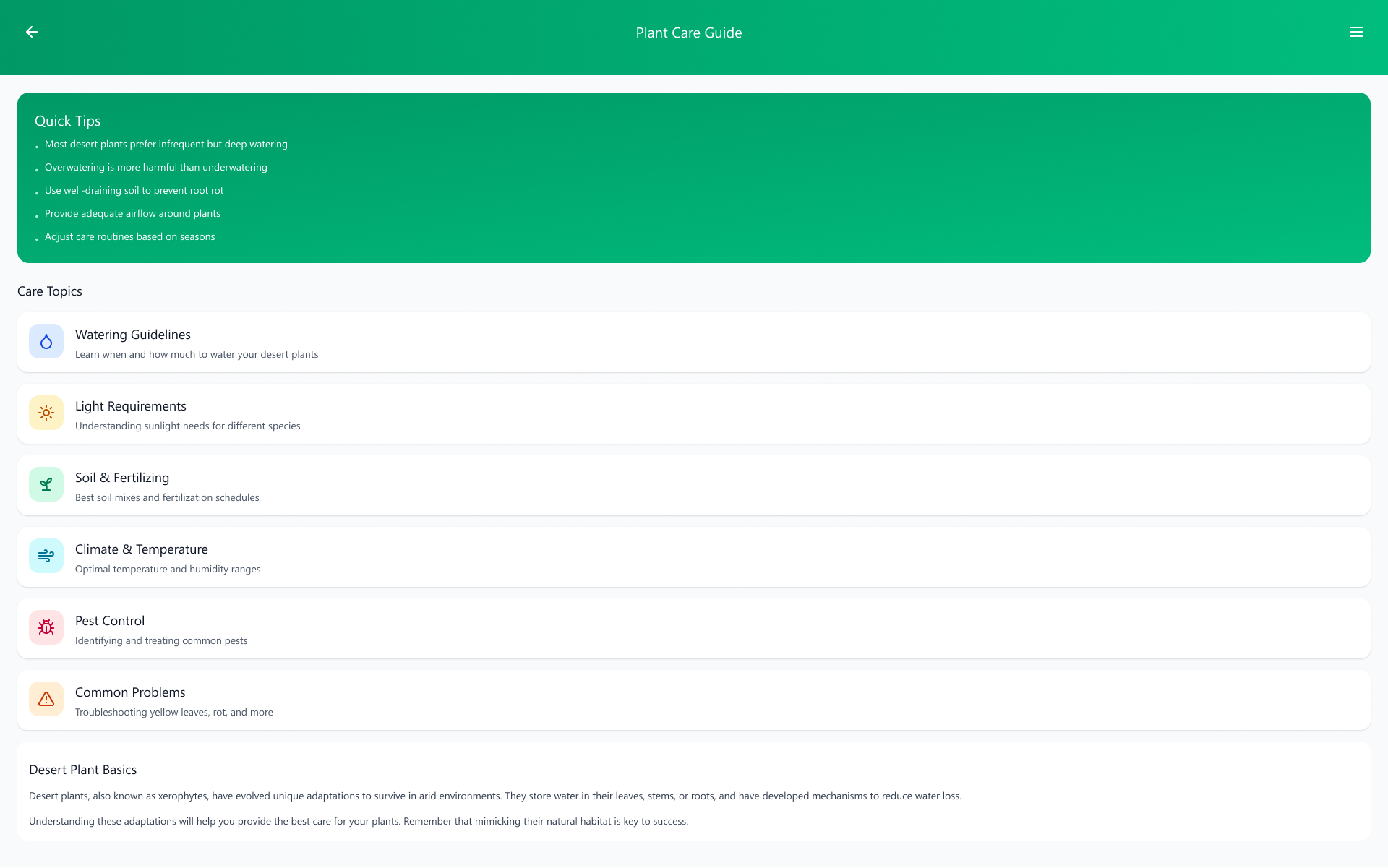
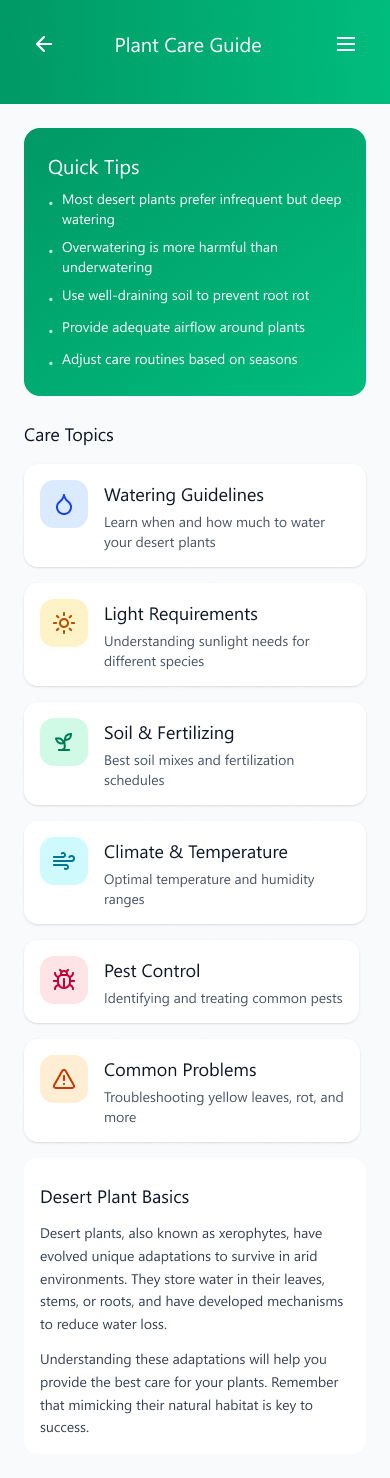
Plant Care Guide
The plant care guide is your A to Z guide on all things xerophytes. With the help of AI, the guide gets updated if any new information is discovered or new data is found, helping users take care of their plants more accurately and having better, healthier plants.
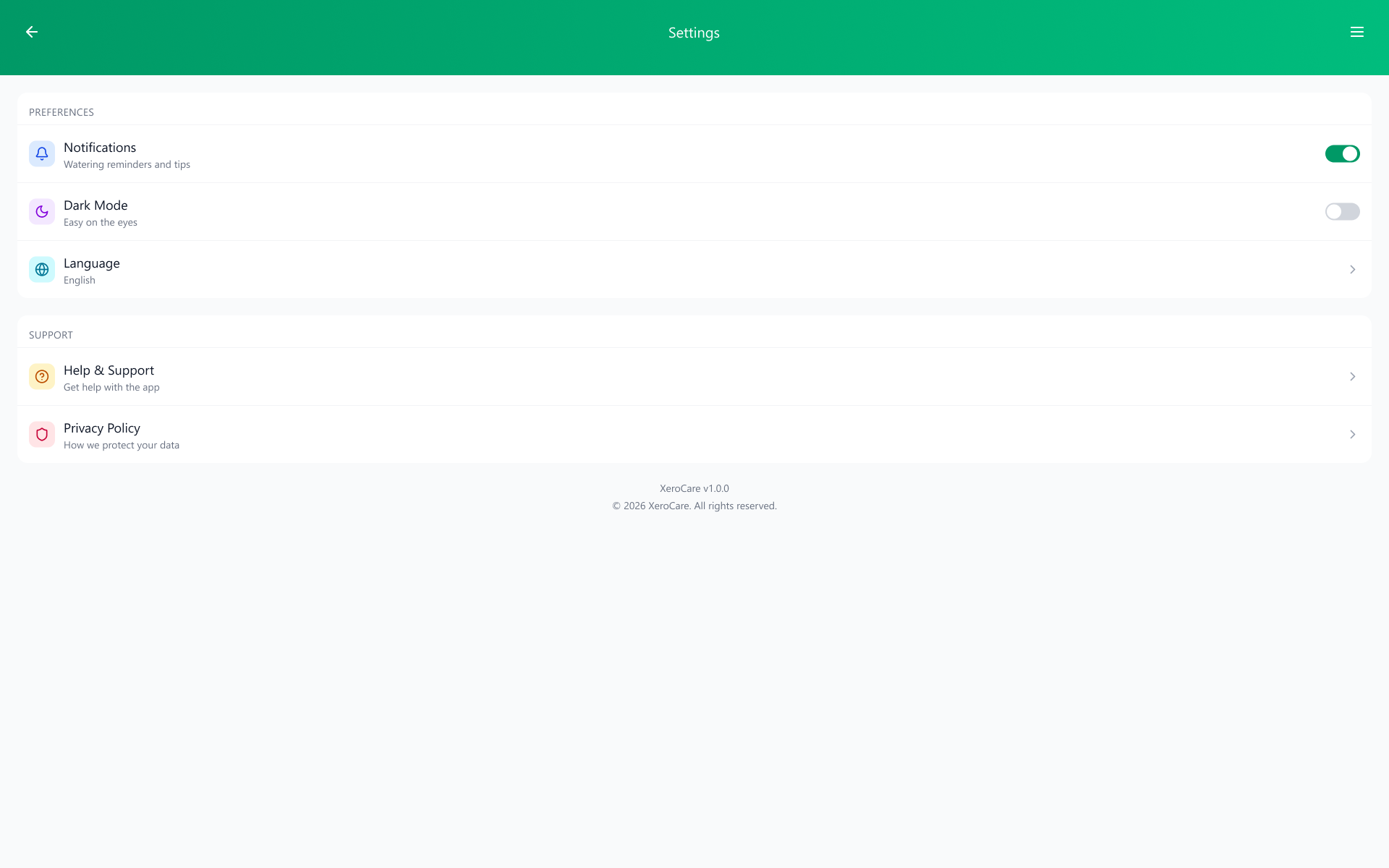
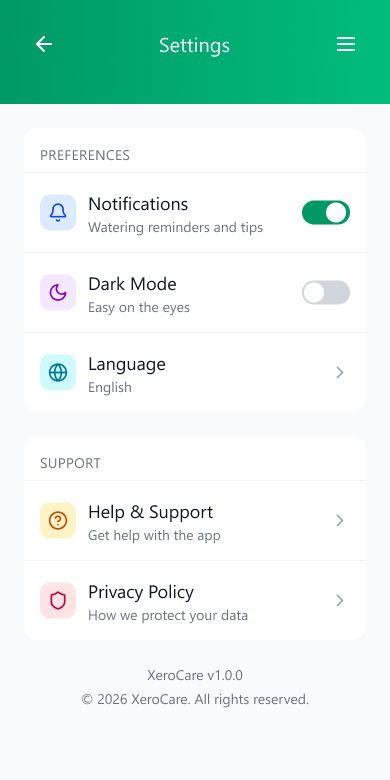
Settings
All apps are required to have a settings menu, whether it be for changes to the way you want notifications, app theme swaps, language options, and most importantly, a way to contact helplines if any error in data or account problem has occurred.
Detailed Plant Statistics
Clicking on a registered plant gives you your plant’s current condition, care requirements and even tips to improve the condition of plant, whether it be location, watering techniques, regular soil care or something else; your plant is now easier to understand and take care of!
WORKING PROTOTYPE LINK: https://www.figma.com/make/H50OL9WlNZd7ckFeCIDFMc/XeroCare-app-design?t=nkAP7PiTk1hA1TFn-1